This was my first go at Photoshop. I photographed my previous drawings and collages and copied and pasted part of them to create the version in Fig. 1.
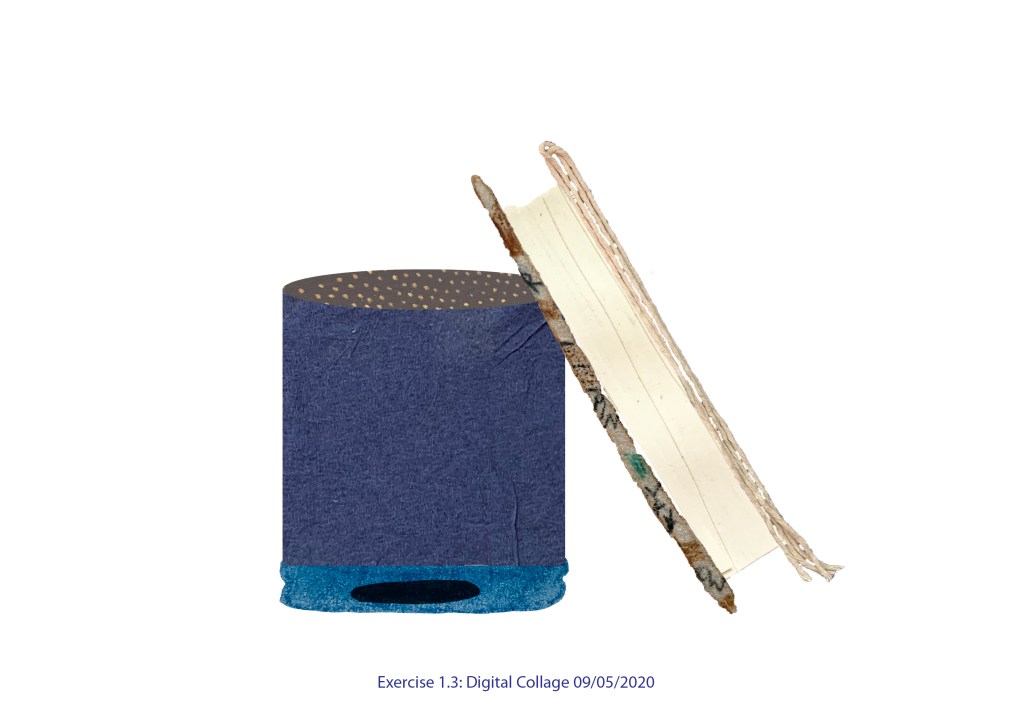
Each part of my collage was a separate layer and I played with settings changing hue, saturation, vibrance etc. The result can be seen in Fig. 2
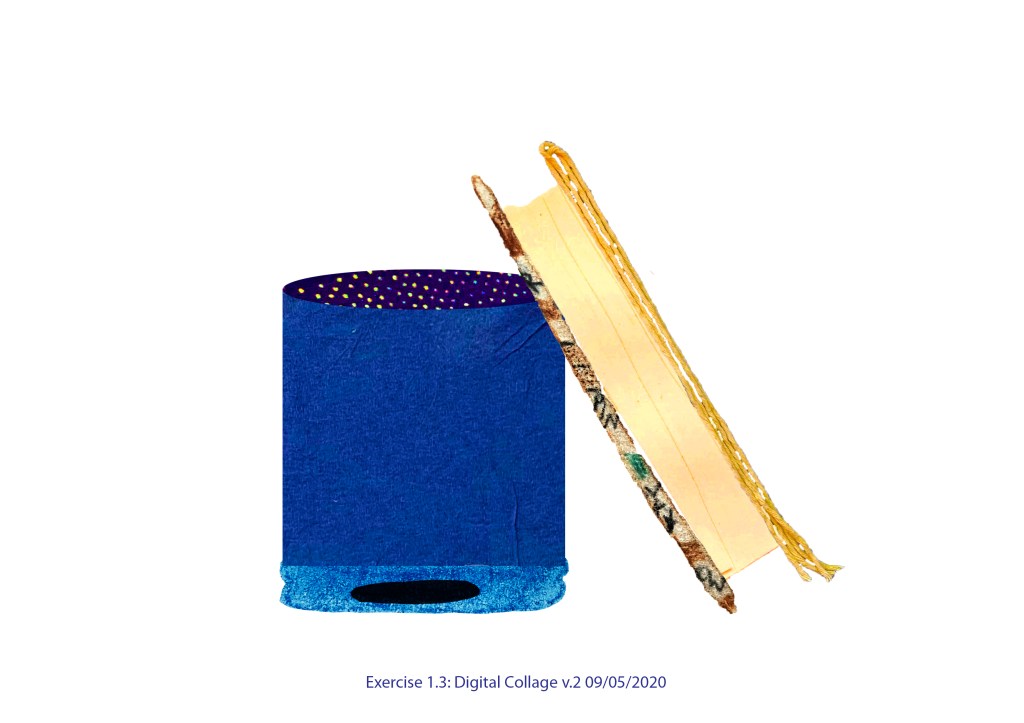
I liked version 2 more than first one, it looks more interesting and vibrant, has more ‘life’.
Then I decided to add some shadows, here they are in Fig. 3
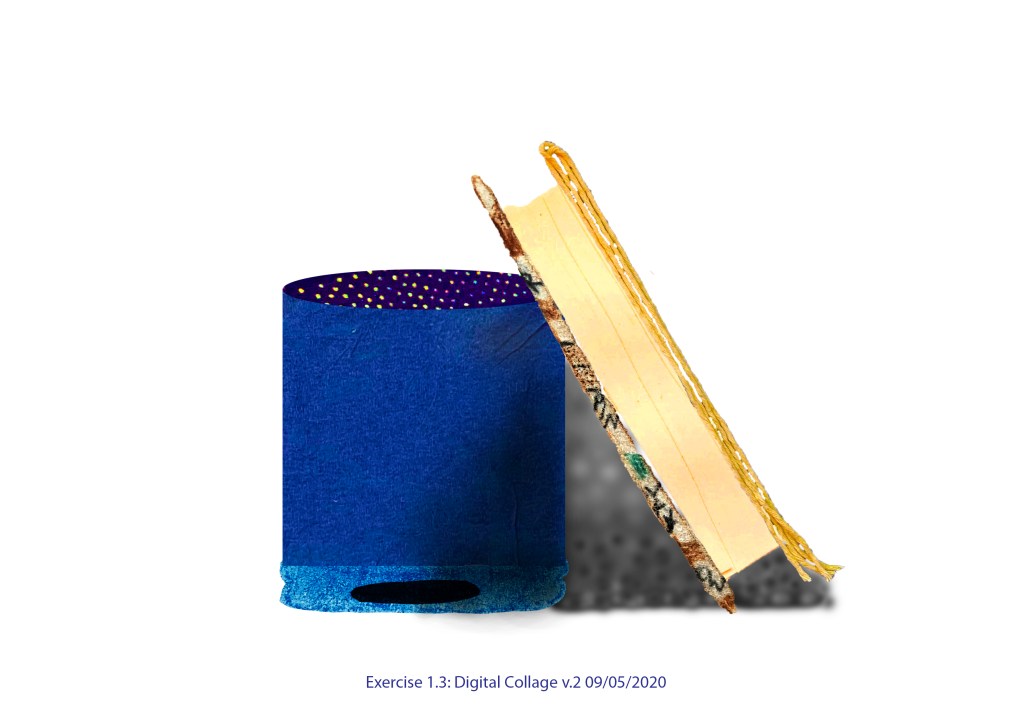
I enjoyed this exercise and my first steps with the software. It is a complex program and I’m looking forward to getting to know it better.
 Aggie's interior design journey